
Regular readers know I find photo editing processes rather tedious, and it’s even more true when I’m editing video for the YouTube channel. So when Imagen reached out and said they’d created a new AI-powered color-grading tool as part of its software suite, I agreed to give it a go and see if it could genuinely speed up my workflow.
Editor’s note: This article is sponsored by Imagen. After testing its photo editing software independently, both Them Frames and Imagen decided to work together to create a series of content that will be hosted here on the site, our newsletter and YouTube channel.
Get Imagen Video Free Trial and turn studio-grade color grading into your new default. Apply coupon COLORGRADE to get 15% OFF your first charge.
What to Expect From Imagen Video
Imagen Video is still in its infancy, and at the time of writing its primary function is to perform fast color grading at a professional standard. In similar fashion to its AI photo editing tool, you can work with premade AI profiles, or train the software to color-grade video exactly how you would by uploading previous edits you’ve done in the past.
If you’re new to color grading, the premade profiles serve as a great starting point, letting you experiment with different looks and learn the fundamentals along the way. For experienced users, training the AI to essentially become your video editing assistant is the better route, though it does take a little longer to get started.
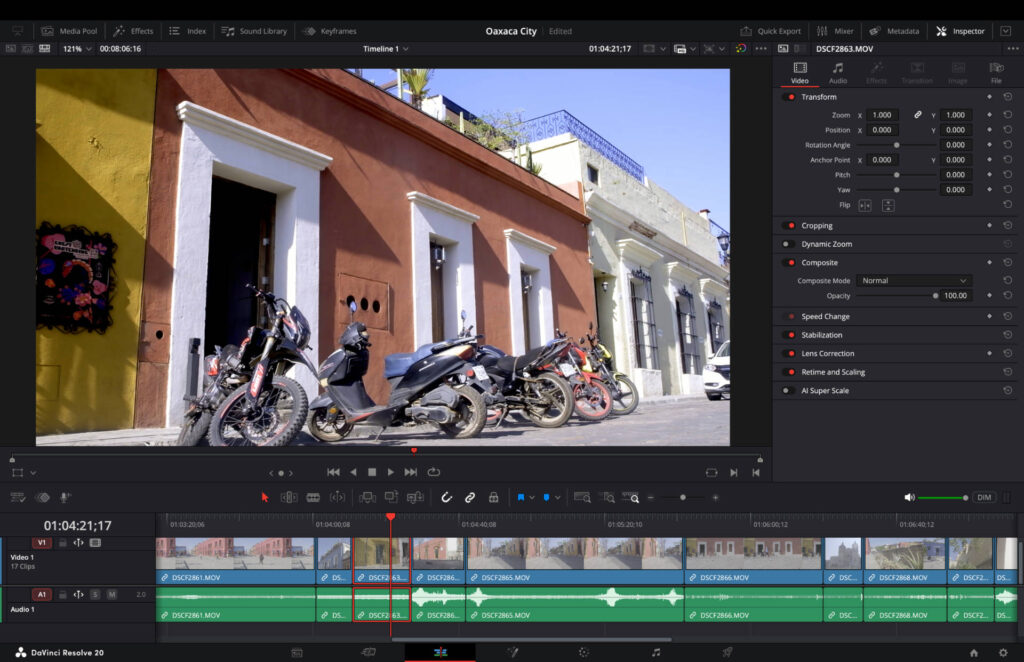
I’m currently in Oaxaca, Mexico, making a short video that highlights the wonderful vibrancy and natural beauty you find in the city. In the past, using Davinci Resolve, I’d spend too much time tweaking the colors of the darks and highlights, becoming frustrated with how long I was spending in front of a screen.
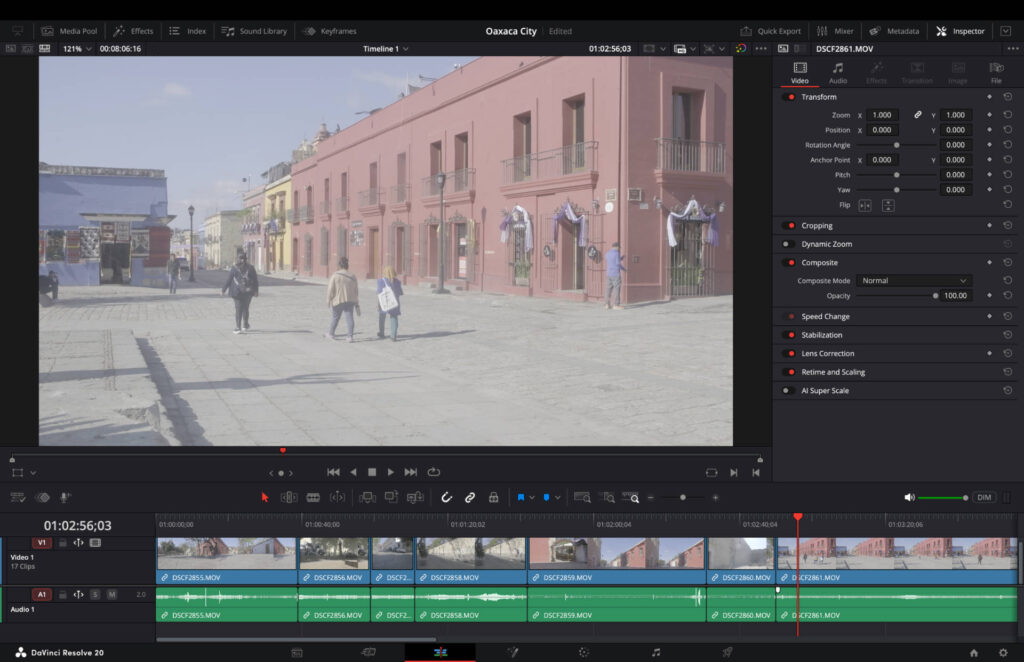
Unedited F-Log footage.
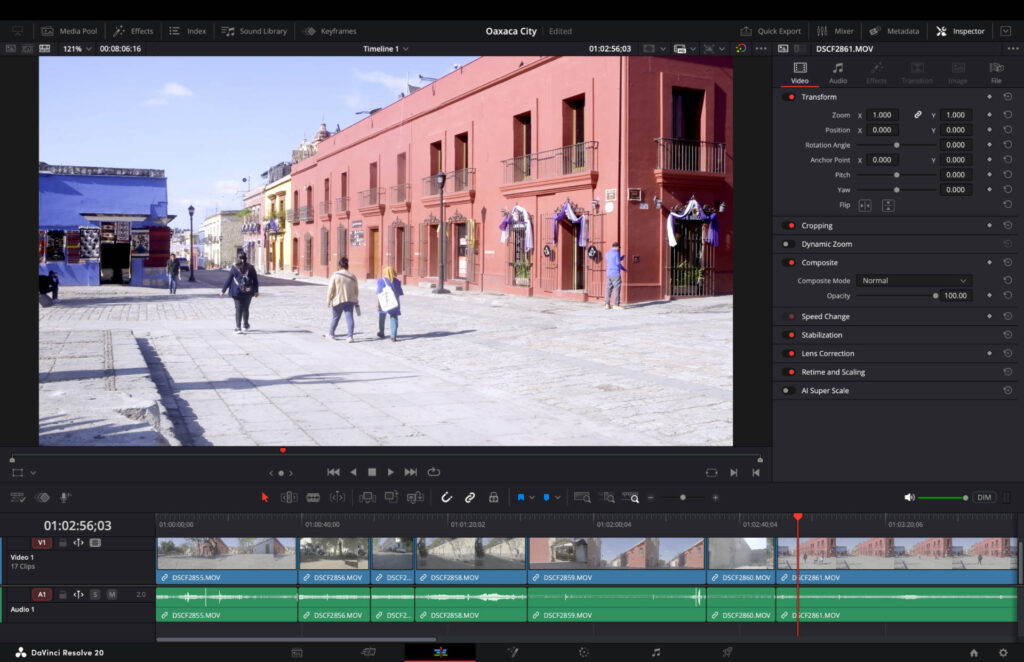
AI-powered color-grading using Imagen AI.
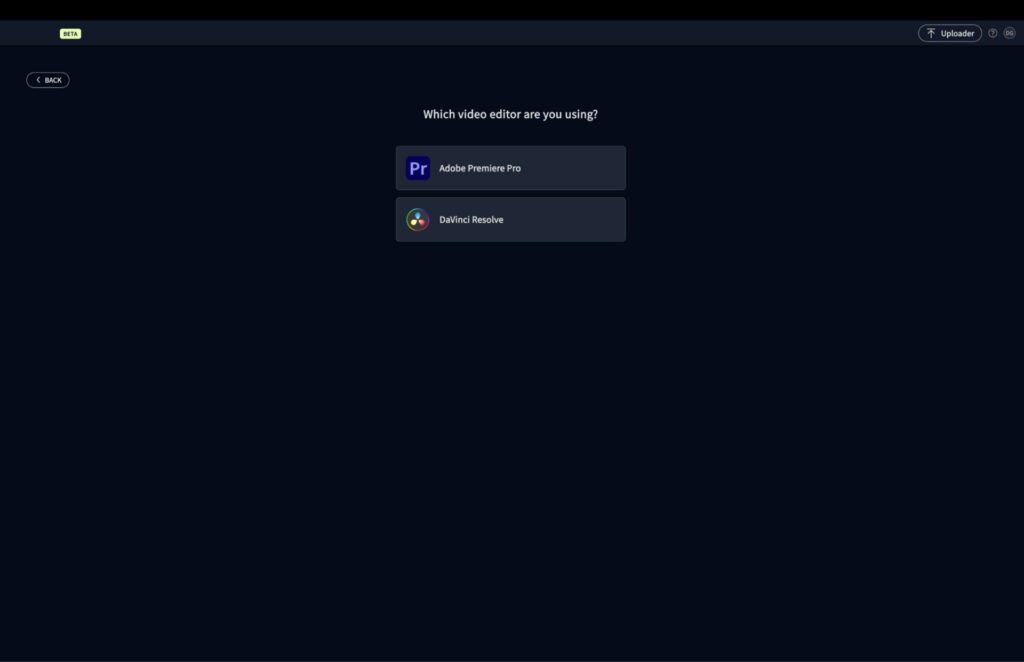
My goal for testing Imagen Video was simple: upload my files, click a button, and be done in a handful of minutes. The tool is currently compatible with both Davinci Resolve and Adobe Premiere Pro.
AI Profiles
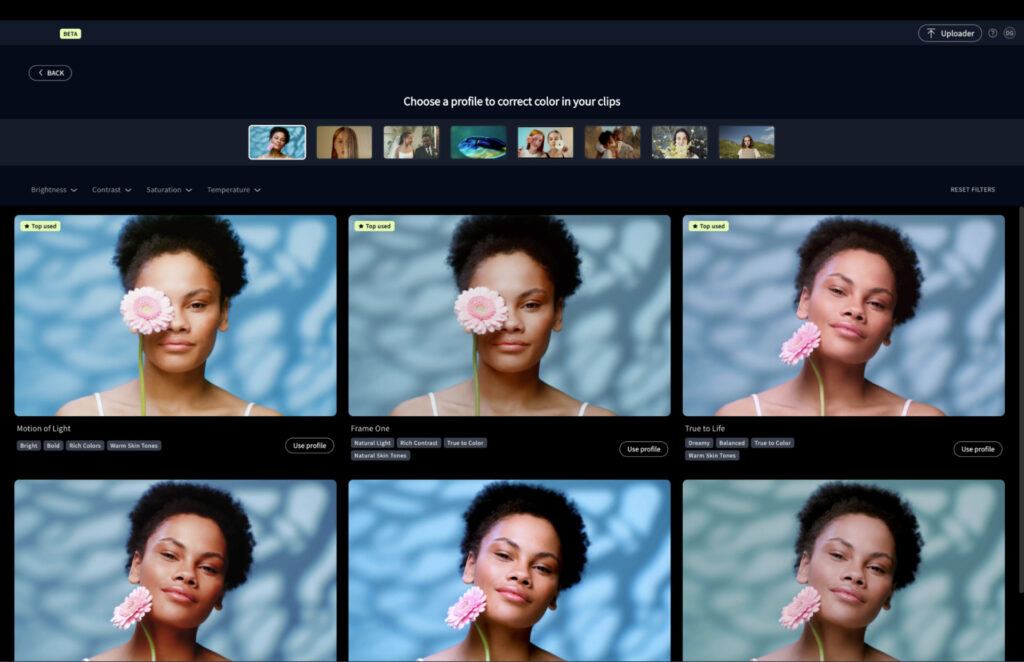
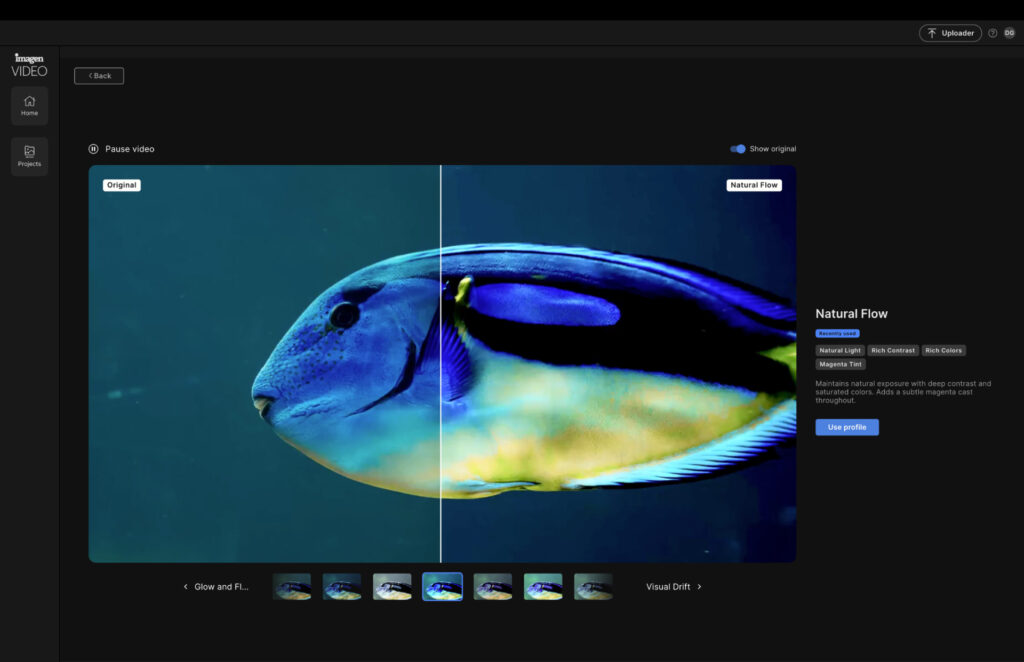
Imagen Video has 119 AI profiles available, built for different environments and skin tones, which can create a little decision anxiety at first. What helps is the before and after preview you can toggle for each profile, making it much easier to land on the right one. And if you’re not happy with the outcome, switching to a different profile after it has been applied is straightforward.
For this project I selected Natural Flow, as it added the rich colors and contrast I was looking for.
From uploading the project to completing the color grading, the whole process took around 5 minutes and 30 seconds to edit six minutes of footage, which is considerably quicker than meticulously moving sliders to get colors exactly where I want them.
I was happy with the results and had no need to change the profile. I also found the final outcome accurately matched what the before and after preview had shown me.
Intelligent Color-Grading
It’s worth noting that Imagen Video doesn’t simply apply a uniform look across an entire project. Instead, it analyzes the lighting conditions of each clip and adjusts the grading accordingly. I noticed subtle but meaningful differences across my footage, and the overall result felt balanced throughout.
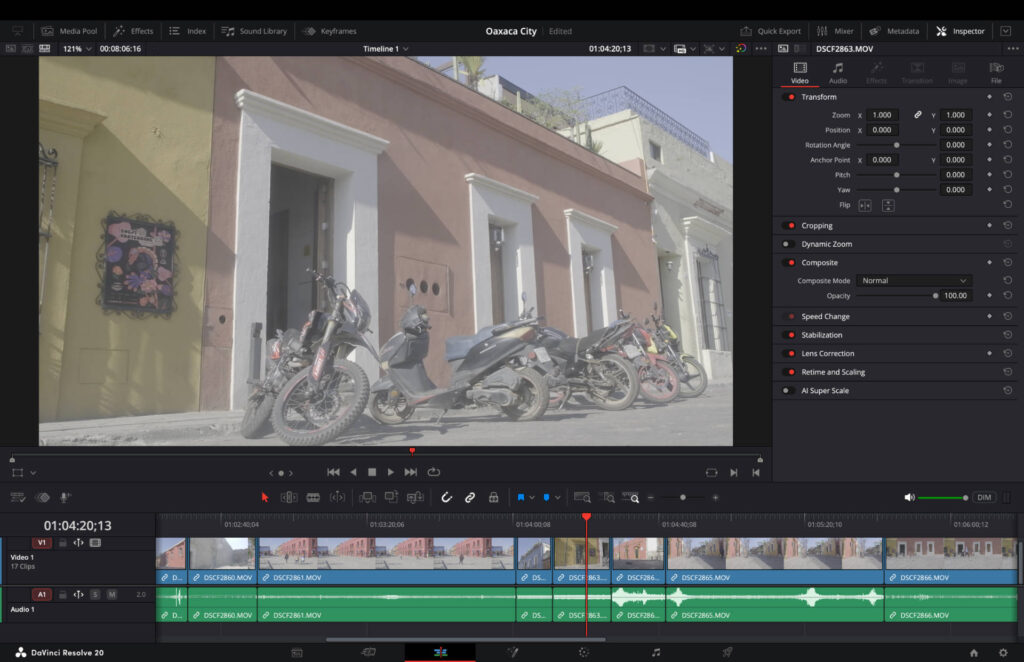
Unedited F-Log footage.
AI-powered color-grading using Imagen AI.
I’m currently using the trial version. The paid version offers two options: $1 per minute of video, meaning a 15-minute project would cost $15. Or a subscription at $36 per month which allows you to color-grade up to 60 minutes of footage per month (unused credits roll over to the next). If you go over 60 minutes, the rate is charged at $0.60 per minute.
Nothing beats personal first-hand experience of a product, and the good news is you can try it without risk by editing up to 20 minutes of footage for free.
Sign up for a free trial and see how Imagen Video can improve your final results and speed up your workflow. And when you’re ready to invest, remember to apply coupon COLORGRADE to get 15% OFF your first charge.
More reading: Best AI Photo Editor in 2026: Top Picks for Smarter, Faster Edits