
I’m not a fan of spending hours and late evenings in front of my laptop editing images. I much prefer being out making photos, than doing tedious masking tasks and granular color grading.
That’s why I’m constantly testing the latest photo editing software that all promise to speed up workflows and help maximize productivity. Many of them offer excellent tools, but fall short of truly being able to make my photo editing process quicker and easier.
Then I found Imagen AI…and my whole workflow changed seemingly overnight.
For transparency, after I started using Imagen AI, the company has since become a sponsor of Them Frames – though a driving factor in agreeing the partnership was first ensuring I could genuinely fit the software into my professional photo editing workflow.
Here’s how it works, how it’s saving me countless hours of photo editing time, and helping me deliver edits to my clients much quicker.
Getting started: Lightroom integration
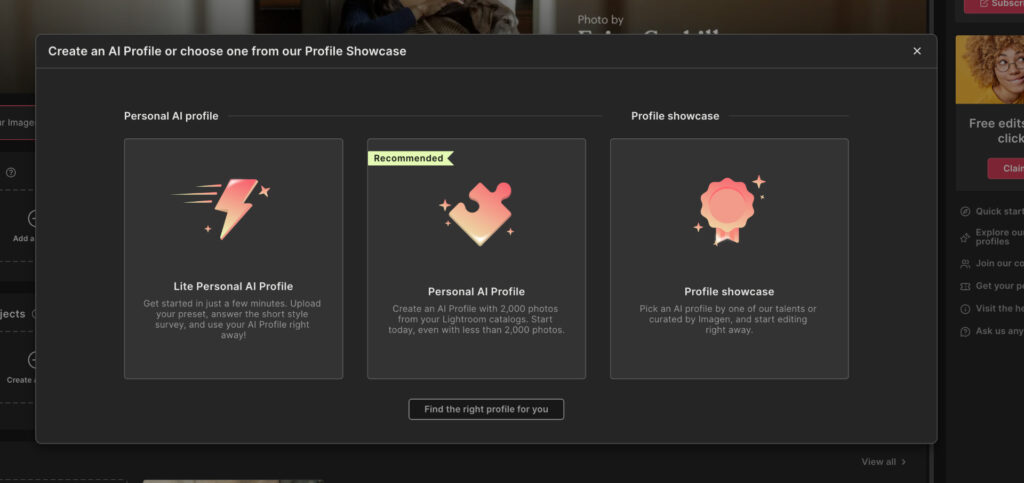
Creating a personal AI Profile is the best option in Imagen.
The first step is to integrate Imagen with my Lightroom catalogues. This allows it to analyze my editing style – how I color grade, perform masking tasks, adjust my tonal curve, etc. – so it can then apply those same adjustments to my future editing sessions.
This may sound like a preset, but in reality it’s totally different…
A preset applies the same settings across all my RAW files. Imagen uses dynamic processing to make the right adjustments for each specific image, without losing my overall editing style.
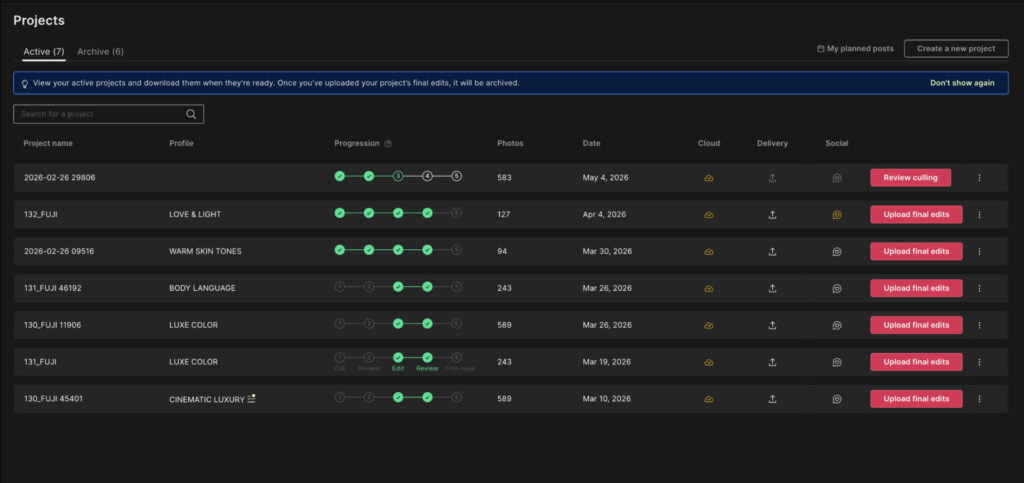
How an editing session looks in Imagen.
The results
To test it I manually edited a recent shoot and compared times with Imagen AI editing the same set of files.
- Manual editing (200 images, including local adjustments): 2 hours
- Imagen AI (upload, edit, deliver): 25 minutes
That’s 90 minutes back in my day – time I could spend answering client requests, working on home studio shots, or simply stepping away from the screen entirely.
Once Imagen finishes working its magic, it sends me an email so I can review the final edits.
The best part is that the standard of edits was excellent. Thanks to learning my editing style, it was like I had edited the images myself, but without the anxiety of sitting at my desk.
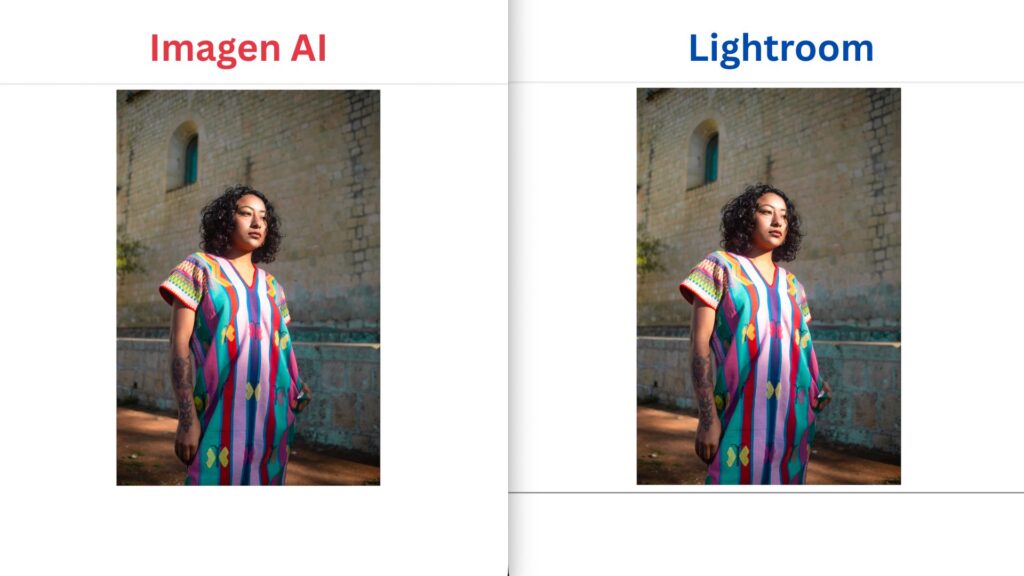
Imagen’s editing vs my manual edit in Lightroom.
If you’re a professional photographer struggling with the demands of editing, or looking for ways to save time and scale your business, I absolutely recommend incorporating Imagen AI into your workflow.
Try it free, no credit card required
I know this can all sound too good to be true, which is why I want you to test it for yourself before taking my word for it. Imagen AI offers free trial credits so you can put it through its paces on a real shoot, with your images, in your actual workflow.
There’s nothing to lose. Sign up and claim your free trial.
More reading: I Tried Imagen AI for 90 Days: The Edits Shocked Me
This article contains affiliate links. If you buy through them, we may earn a commission at no extra cost to you. Read our Affiliate Statement.