
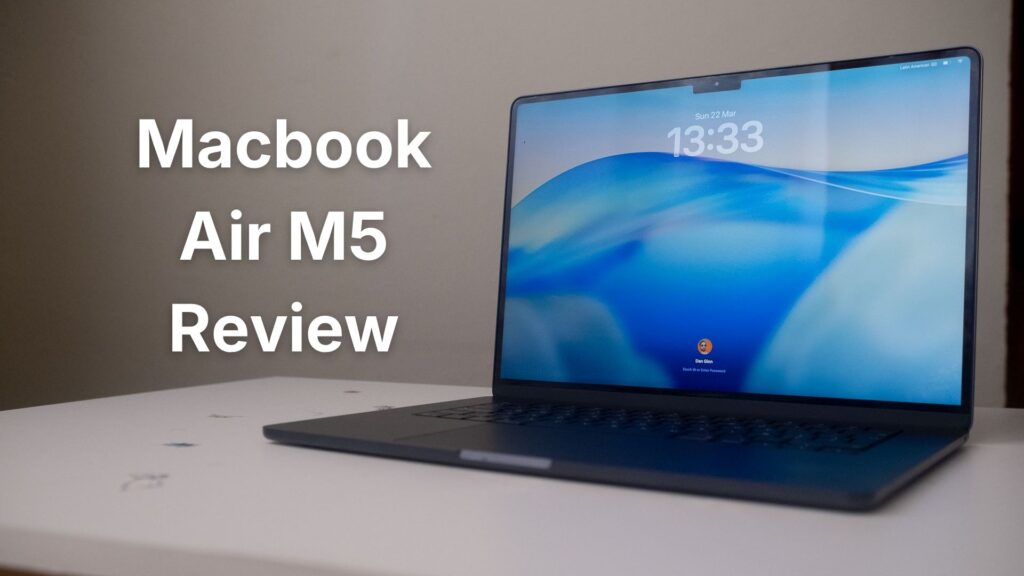
Since its launch on March 11th, I’ve been using the MacBook Air M5 (15-inch) as my primary machine for all daily computing tasks, including large-batch photo editing, some video editing, and managing my editorial workload at Them Frames. In this MacBook Air M5 review, I’ll be sharing exactly how it performs for photographers. After five years on an M1 MacBook Air, it’s been a noticeable step up. But whether it’s the right step up for photographers specifically is a more complicated answer.
Don’t miss a thing — join the Them Frames WhatsApp channel for daily updates sent straight to your phone. Join Now
My M1 served me well for far longer than most would expect, but 8GB of RAM and 256GB of storage were increasingly hitting their limits against the best photo editing software. Eventually, something had to give.
So I bought the MacBook Air M5 with 16GB of RAM, 512GB of storage, and the 10-core CPU and 10-core GPU configuration, and I’ve been putting it through its paces ever since.
This isn’t a benchmark review. I won’t be testing gaming performance or Netflix playback quality. What I will share is a real-world perspective as a professional portrait photographer, covering how this machine handles the editing sessions, file management, and day-to-day workflow demands that actually matter to photographers considering whether to spend their money on Apple’s latest Air.
Related: Best Photo Editing Software for Mac (2026 Guide & Reviews)
MacBook Air M5 Review: My First Impressions
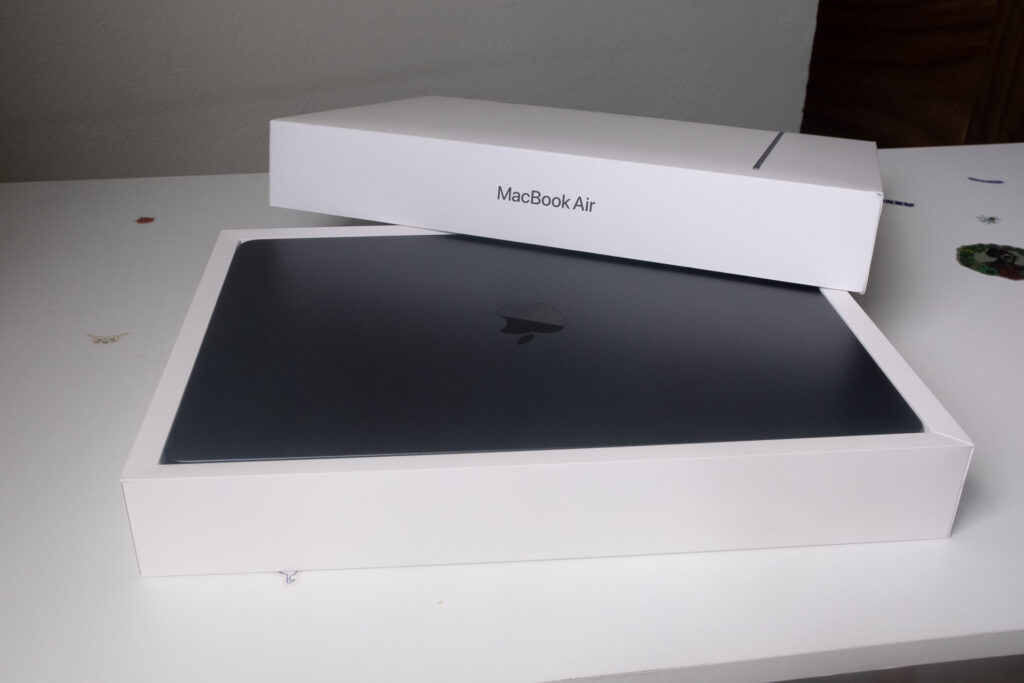
Unboxing is always an exciting part of the setup process and this one didn’t disappoint. The size difference between my old 13-inch and the new 15-inch was immediately striking, making the older machine seem minuscule. For photographers, the extra screen real estate alone makes a genuine difference when culling and editing.
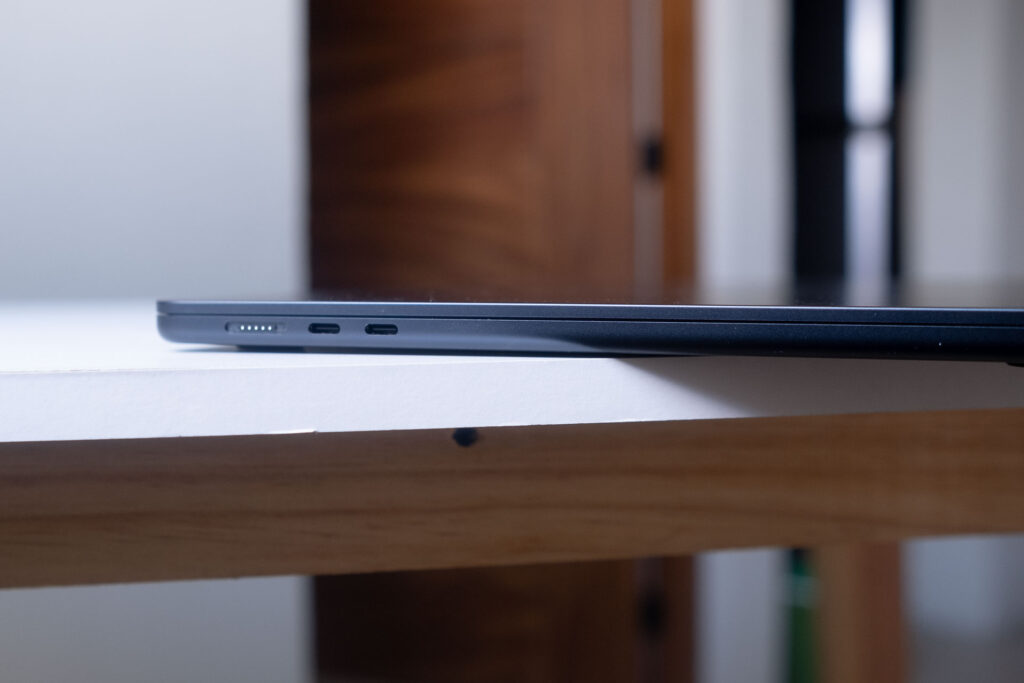
Having two Thunderbolt USB-C ports alongside a dedicated MagSafe charging port means multiple connections without sacrificing your charge. Build quality was classic Apple, best-in-class as always. Though I’ll warn anyone considering the Midnight Blue colorway: it is a fingerprint magnet.
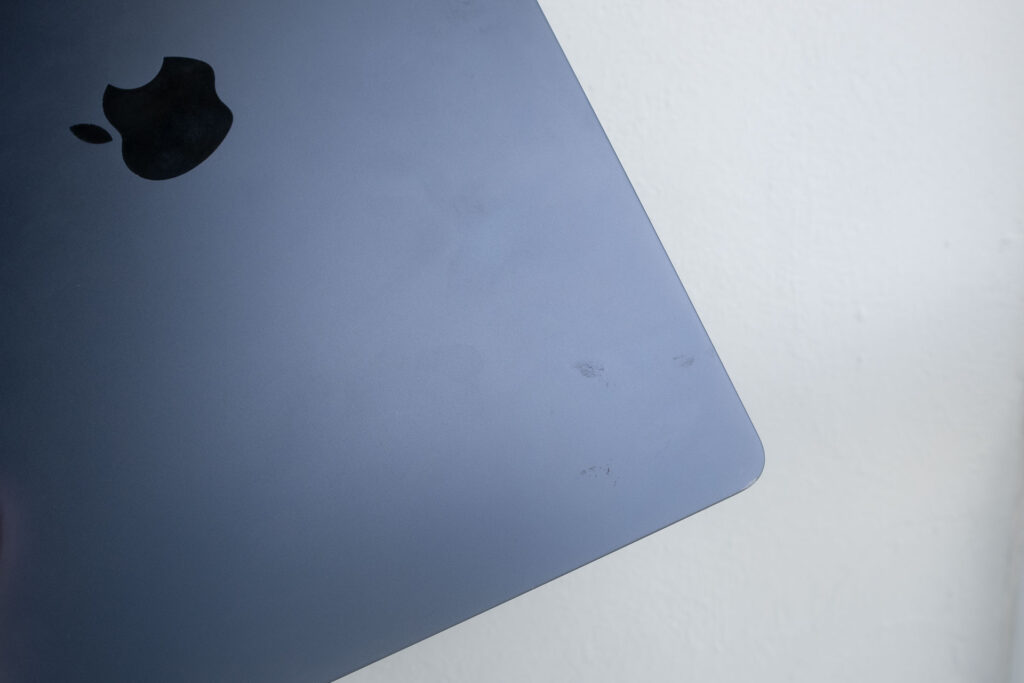
Finger prints won’t be as obvious on light color versions of the Macbook Air M5.
The Display
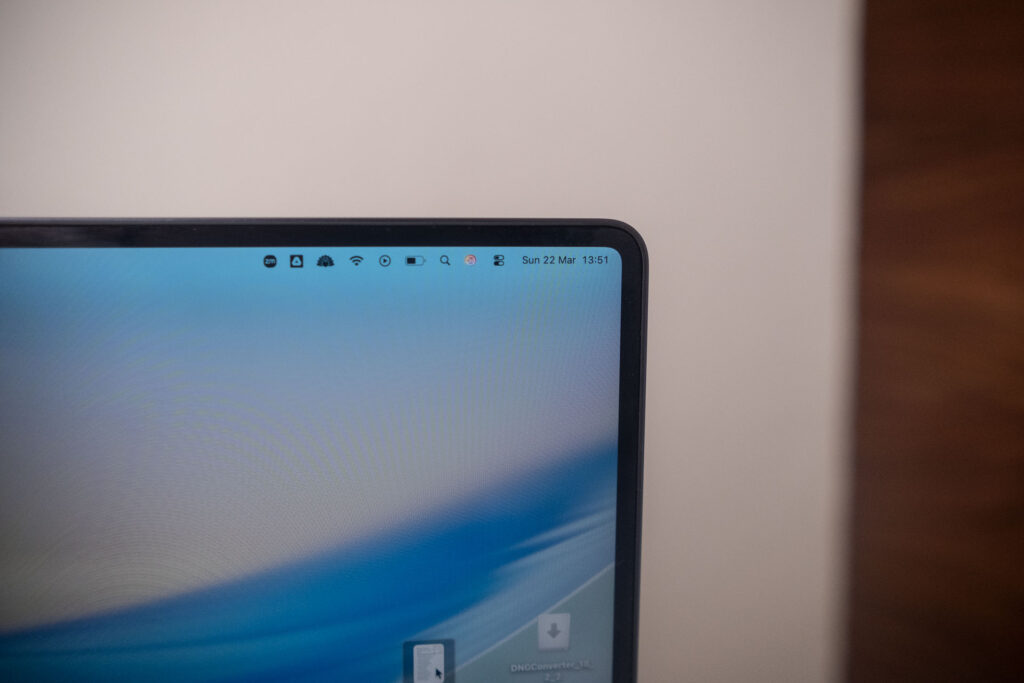
Alongside the extra two inches of screen real estate, I’m also getting an improved display, moving from a Retina to a Liquid Retina panel. I’ll be honest, in terms of detail, pixel density and color reproduction, I could barely tell a difference in day-to-day editing.
The extra 100 nits of brightness did stand out though, and the wide P3 color gamut is worth noting for photographers since it covers a broader range of colors relevant to accurate skin tone and print editing. But the biggest win here is simply the larger screen, which makes photo editing a noticeably more enjoyable experience.
Macbook Air M5: My Real-World Experience
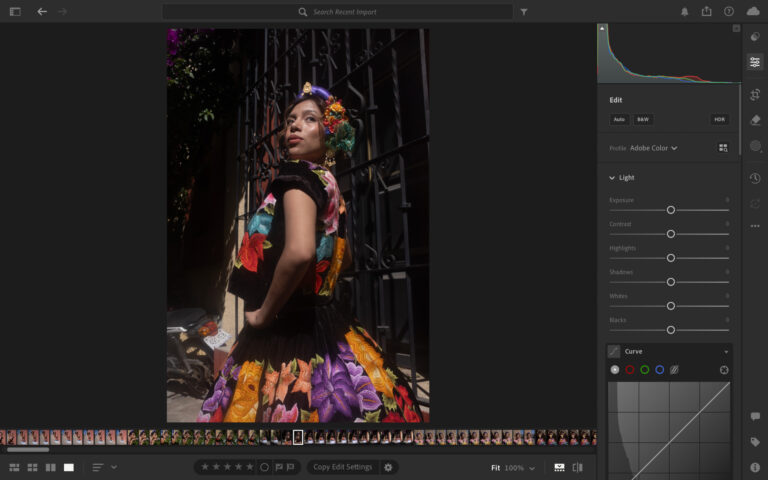
As Adobe Lightroom is the most popular photo editing software on the market, it was the natural starting point for my performance testing. I ran import and export comparisons between my old M1 and the new M5 using the same 589 RAW files to get a clear picture of the real-world difference. It’s worth noting I shoot with a Fujifilm X-T3, with RAW files averaging around 60MB each, so we’re talking about a batch of roughly 35GB of data in a single test.
On import, the M1 took 22 minutes and 52 seconds, with noticeable heat building up on the base of the laptop. The M5 brought that down to 20 minutes and 14 seconds and remained completely cool throughout. Where the M5 really pulls ahead is on export. Exporting those same 589 images as full resolution JPEGs took the M1 a full hour, and the machine ran quite hot in the process.
The M5 completed the same task in 14 minutes and 58 seconds. That is a massive real-world time saving, and for a working photographer with deadlines, that kind of performance gap genuinely changes how you work.
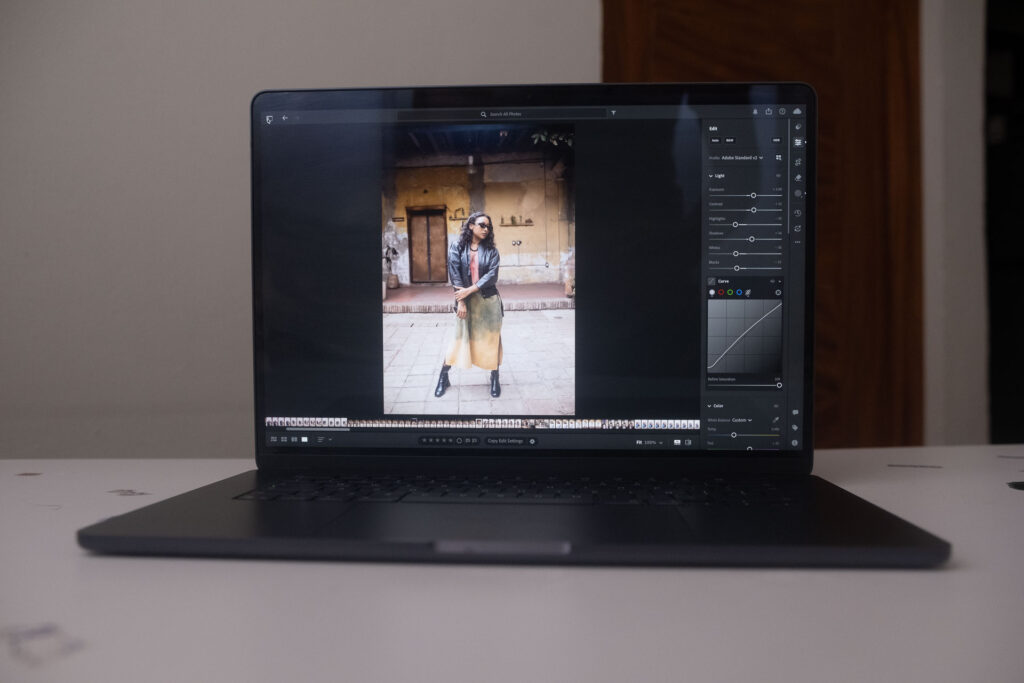
Beyond the timed tests, general performance in Lightroom was fast and smooth throughout. The multicolored spinning wheel, which had become a regular occurrence on my aging M1, was completely absent. AI masking tools, which can be a real bottleneck on older hardware, responded quickly with no noticeable lag.
One thing worth flagging is that the MacBook Air M5 is a fanless machine, meaning it relies entirely on passive cooling. During heavier tasks I did notice the laptop getting warm, particularly on the base. Performance never faltered as a result, but the heat was certainly noticeable and is something to be aware of if you plan on extended editing sessions on your lap or in warmer environments.
RAM & Multitasking: Is 16GB Enough?

Memory pressure was still within green despite using multiple high-powered apps.
One of the most common questions photographers ask when speccing up a new machine is whether 16GB of RAM is enough for serious editing work. On the M5, it comes as the base configuration, which is already a significant step up from the 8GB that shipped with older MacBook Air models.
In real-world use, 16GB handled everything I threw at it without breaking a sweat. At various points I was editing photos in Lightroom, listening to Apple Music and watching videos simultaneously, and it didn’t make a dent in performance. No slowdowns, no memory warnings and no spinning wheel.
For photographers working with large RAW files and modern editing software, 16GB on Apple Silicon is a genuinely capable baseline. If you are running intensive video editing workflows or working across multiple heavy applications at once, stepping up to 24GB is worth considering. The M5 Air is also available with 32GB of RAM for more demanding workflows, with storage options scaling up to 1TB, 2TB and 4TB. But for photography-focused work, the base 16GB and 512GB configuration gets the job done comfortably.
Storage & File Management
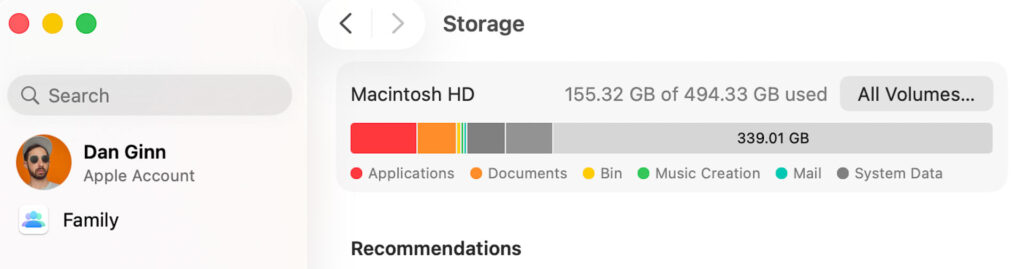
One of the most practical upgrades for my workflow has been the jump from 256GB to 512GB of storage. On my M1, I managed space by importing from my SD card and exporting directly to pCloud (the best cloud storage for photographers), which kept things moving but came with a significant trade-off. Apps like Lightroom Classic require local file access, meaning that cloud-based workflow effectively locked me out of using it properly.
With 512GB on the M5, that problem goes away. I now have enough local storage to import, edit and export without constantly juggling files or deleting old shoots to make room for new ones. It’s the kind of upgrade that doesn’t show up in a benchmark but makes a real difference to how smoothly your day-to-day workflow runs.
Battery Life
Apple claims up to 18 hours of battery life on the M5 Air, and while I didn’t quite hit that figure, real-world performance was still impressive. Across a typical day of photo editing, some basic video editing, writing articles, emails and, I’ll admit, some procrastination on YouTube, I consistently got around 13 hours out of a single charge.
For context, my M1 had deteriorated to around five hours, though that’s less a reflection of the M1 chip and more a consequence of me putting off a battery replacement for far too long. Either way, going from five hours to 13 is a night and day difference and has genuinely changed how I work, particularly when I’m away from my desk.
Who Should Buy the MacBook Air M5?
Based on my time with the machine, the MacBook Air M5 is more than enough for professional photographers. Quick tests across Capture One, Luminar Neo and Imagen AI all produced smooth, responsive performance, so regardless of your preferred editing software, this machine handles it well.
If you are a professional photographer and videographer with heavy, sustained workloads, the MacBook Pro is worth the investment for its active cooling system and additional chip power. But for the vast majority of photographers, the Air is more than capable of handling everything you throw at it.
If you are sitting on an M3 or M4, there is honestly no compelling reason to upgrade. The performance gains are incremental and your money is better spent elsewhere. The M5 makes the most sense if you are coming from an older machine and are ready for a meaningful step forward.
Signing Off
I don’t regret the upgrade for a second. Coming from an aging M1, the MacBook Air M5 has been a genuine step forward in every area that matters to me as a photographer. Performance, storage, battery life and day-to-day usability have all improved in ways I feel every single day.
At $1,299, it removes any temptation to spend $1,699 on the base level MacBook Pro M5. The Air gets you 90% of the way there at a noticeably lower price, and for most photographers, that remaining 10% simply isn’t worth it.
If you’re a photographer sitting on an aging M1 like I was, wondering whether the upgrade is worth it, the answer is yes. You won’t regret it either.
You can purchase the latest Macbook Air from Apple.
More reading: My Editing Workflow for Portraits Shot in Harsh Direct Sunlight