
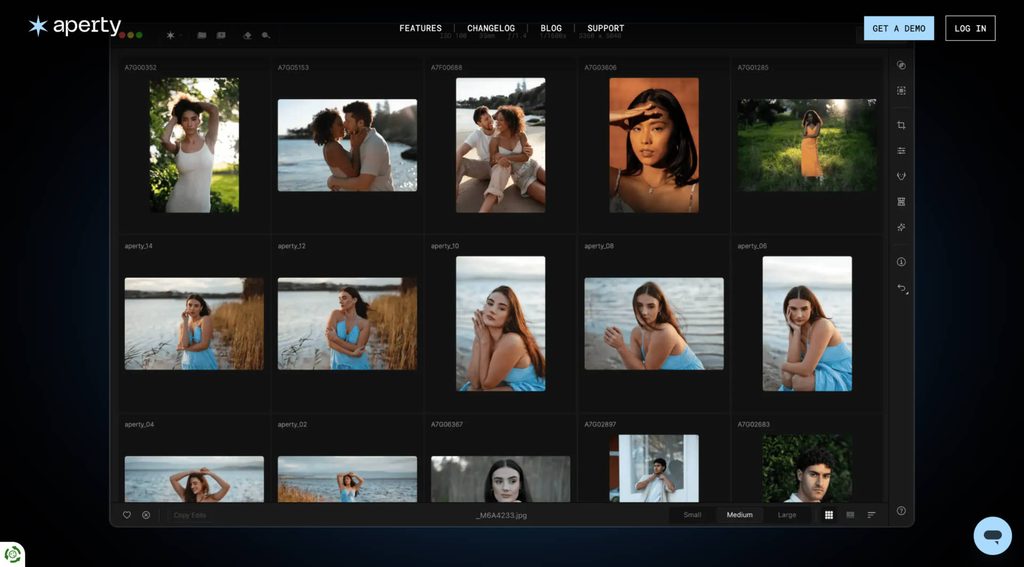
On October 5, 2026, Skylum announced it will no longer be updating Aperty, its portrait photo editing app. The team at Skylum says Aperty will officially close on November 4, 2026, and will no longer accept new customers. As of this writing, the Aperty website no longer offers a way to buy the software and only shows a “Request a demo” button.
Why Is Aperty Shutting Down?
Skylum hasn’t gone into much detail about why Aperty is shutting down. However, in an email sent to Them Frames, the company stated, “We are closing Aperty to focus on Luminar, our flagship product, enhancing it with new features and technologies that will help photographers release their creative vision to the world.”
My take is that Aperty was likely no longer commercially viable for Skylum, and the burden of running two separate photo editing apps was no longer the best business decision. As the email from Skylum noted, “Luminar already integrates Aperty’s portrait-editing capabilities, and we are committed to improving it even further, so it eventually becomes an ultimate editing tool for photographers of every kind.”
What This Means for Existing Users
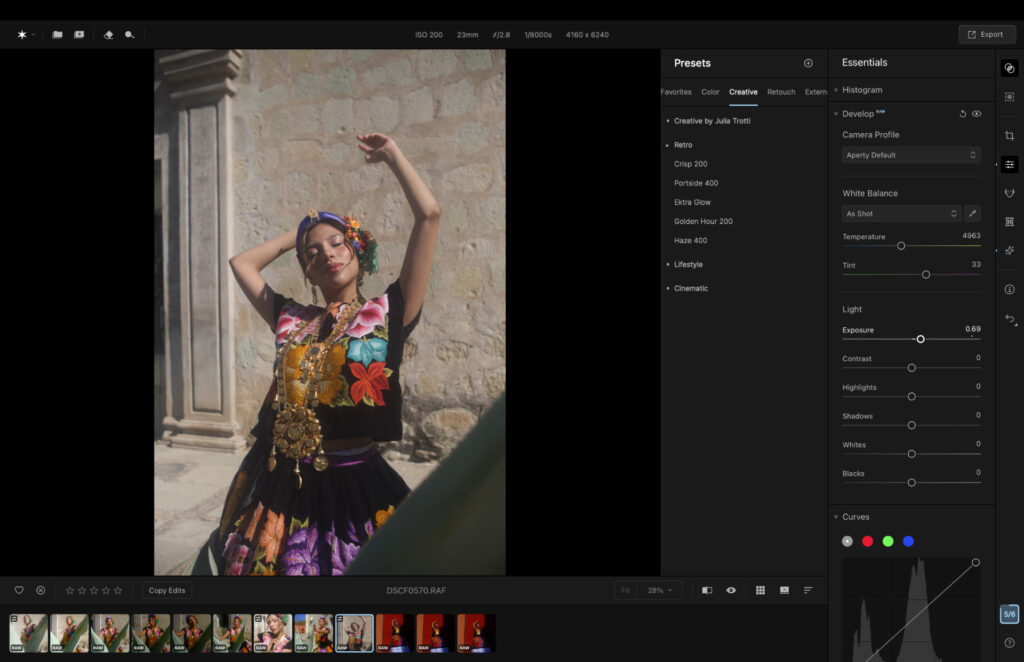
If you bought a lifetime license, Skylum told Them Frames that you can keep using Aperty forever. In practice, that will depend on how long the current version stays compatible with your computer’s operating system.
In a text shown to Them Frames, Skylum is currently offering those who have life time licence for Aperty, a 50% discount if they purchase Luminar.
If you’re paying monthly or yearly for the latest version, your plan will end and you will no longer be able to access Aperty. Skylum did not say whether subscribers will be offered the option to buy a lifetime license for the current version before Aperty closes.
Luminar vs. Aperty
As I wrote in my Aperty review, the software is a portrait photo editor with easy-to-use tools for masking and other portrait-related edits. I liked the app, and it suits everyone from beginners to those just starting a career in portrait photography.
Luminar does offer a set of portrait tools: Face AI, Skin AI, Body AI and Portrait Bokeh AI. Face AI covers the basics, including adjustments for the eyes, eyebrows and lips. However, it’s more limited than Aperty, which gives you more granular control over individual facial features and more precise masking.
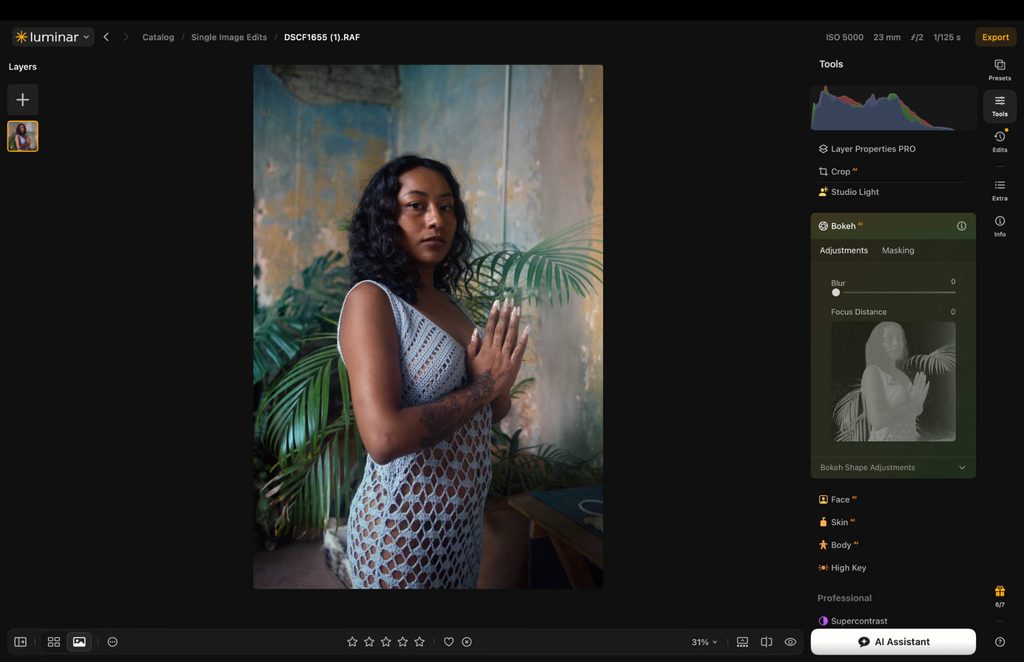
Luminar’s Portrait tab lives in the right-hand panel.
If you currently use Aperty and are hoping to switch to Luminar for the same experience, it just isn’t there yet. I suspect Skylum will build more of Aperty’s tools and features into Luminar over the coming year, but we’ll have to wait and see.
More reading: Honest Long-Term Luminar Neo Review: Read Before You Buy