
I’m constantly testing the best photo editing software, firstly to recommend the best options for you, and also to see how I can improve my daily workflow. I’m pretty agnostic when it comes to software, and I’m mainly seeking options that make editing easier and less time consuming. In this article, I’m sharing three photo editing apps that I’m currently using right now.
What I’ve come to learn over my 10 years of working in the photo industry is that where one software is best for one circumstance, another is better for a different one. For example, there are photo editing apps that I’ll use only for professional shoots, and others that best suit my casual personal work.
After a lot of trial and error, I’ve been able to find apps that help me get the best results while saving lots of time and effort, allowing me to deliver photographs to my clients much quicker.
Video
Professional Photo Editing
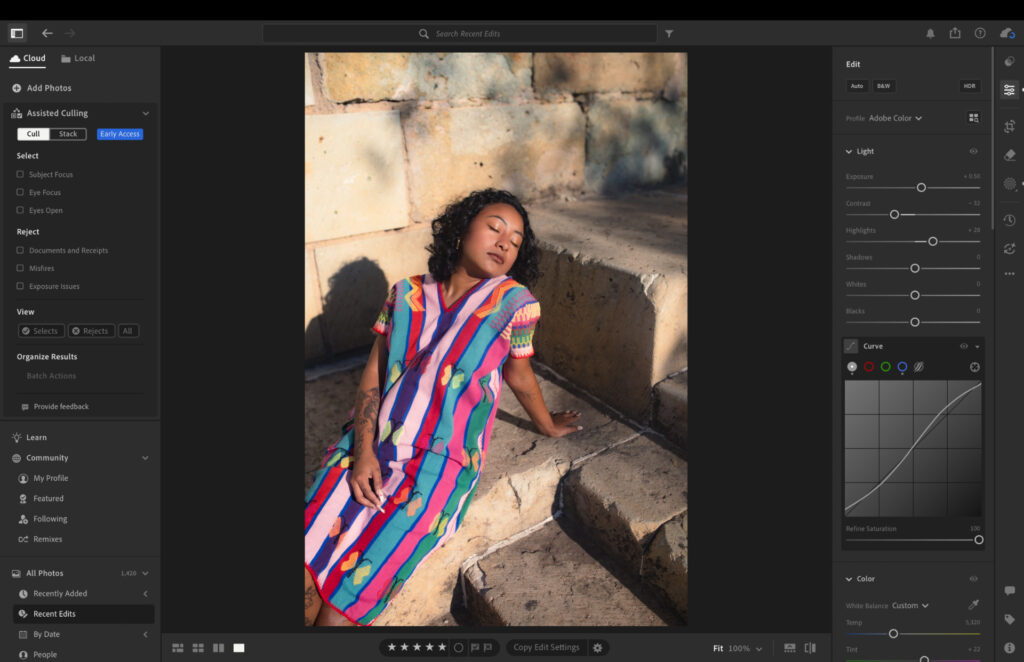
Adobe Lightroom has been a mainstay in my photo editing workflow for the best part of a decade. Having previously tried other professional editors like Capture One, I find myself favoring Lightroom for its balance of simplicity and powerful tools.
Adobe’s introduction of AI-powered masking tools in recent years was a total game-changer for me. The object removal tools are best-in-class in my opinion, offering accurate and natural results. They’re also excellent for my professional portrait photography. I can now mask specific points on a subject to make local adjustments, rather than using the brush tool with my shaky hands!
I use Lightroom CC rather than Lightroom Classic, because I like to edit on both my MacBook Air M5 and my iPad. I also find the user interface much more modern and easy to navigate than the desktop-only version. Check out my Lightroom CC vs Lightroom Classic guide.
As someone who likes to make their own presets, I find Lightroom is a leader in this department. Creating, storing and finding presets is a breeze and speeds up my workflow dramatically.
Batch and AI Editing
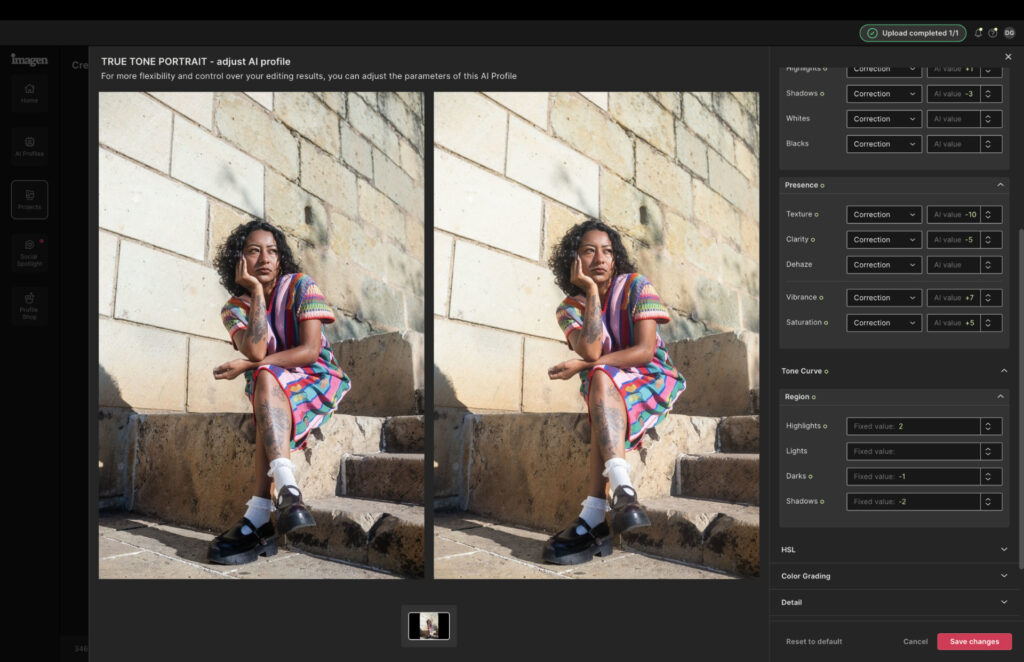
Imagen AI is the most recent addition to my photo editing process. For transparency, the company is a sponsor of Them Frames, however, I had already begun using the software prior to our partnership.
It integrates seamlessly with Lightroom and has become my personal AI assistant. After the software analyzed and learned my editing style, I can select my personal AI profile and it will handle all my editing for me, including masking and local adjustments.
I mainly use it for large batch editing sessions, like when shooting fashion for a brand that needs a quick turnaround. Because Imagen edits just like me, instead of sitting in Lightroom in the early hours of the morning, I can upload the shots, select my profile and have all the edits done within 30 minutes, keeping both me and my clients happy.
Related: I Tried Imagen AI for 90 Days: The Edits Shocked Me
Personal Photo Editing
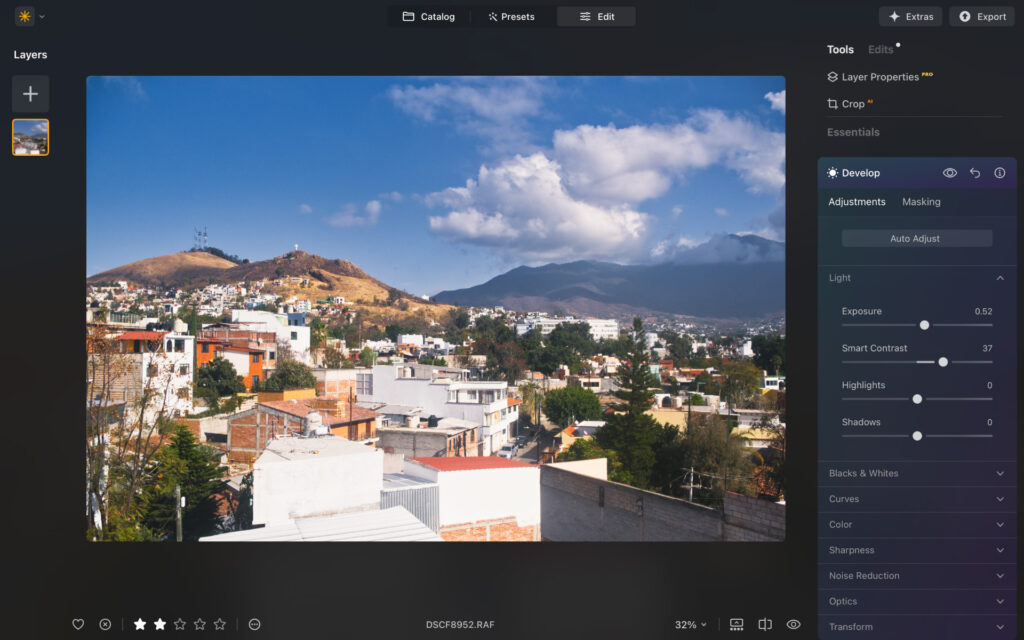
When I’m not doing professional shoots, I still like to make photographs in my free time. Street photography was my vibe, but recently I’m getting more into travel, nature and landscapes.
In an effort to separate professional from personal, I decided to use a different photo editing app. Currently, I’m using Luminar Neo and have been for over a year now.
I love the modern, color-coded design that runs really smoothly on my MacBook Air. It has lots of cool AI-powered tools, such as an AI assistant that can edit on your behalf through a prompt. Sky replacement, presets, LUTs and all standard adjustments are there too.
The software makes editing feel less intense and more enjoyable, which I think is important when you’re trying to get the most out of your edits. It’s also very easy to use, and in all my testing, it’s one of the best photo editing apps for beginners.
Signing Off
I really enjoy seeing where companies are taking their software to help photographers create the best edits, and these three options are working well for me right now, but I’m always open to change.
If you’re struggling to find your optimal workflow, I recommend playing around with the leading apps. All of them offer free trials that don’t require a credit card. Reading reviews is a good first step, but your own testing is the most important thing, what works for me may not always work for you.